


WebP Export
Save the WebP images on any page as WebP or as JPG for apps that cannot open WebP, with renaming, resizing and ZIPs.
 Add to Chrome
On this page6 sections
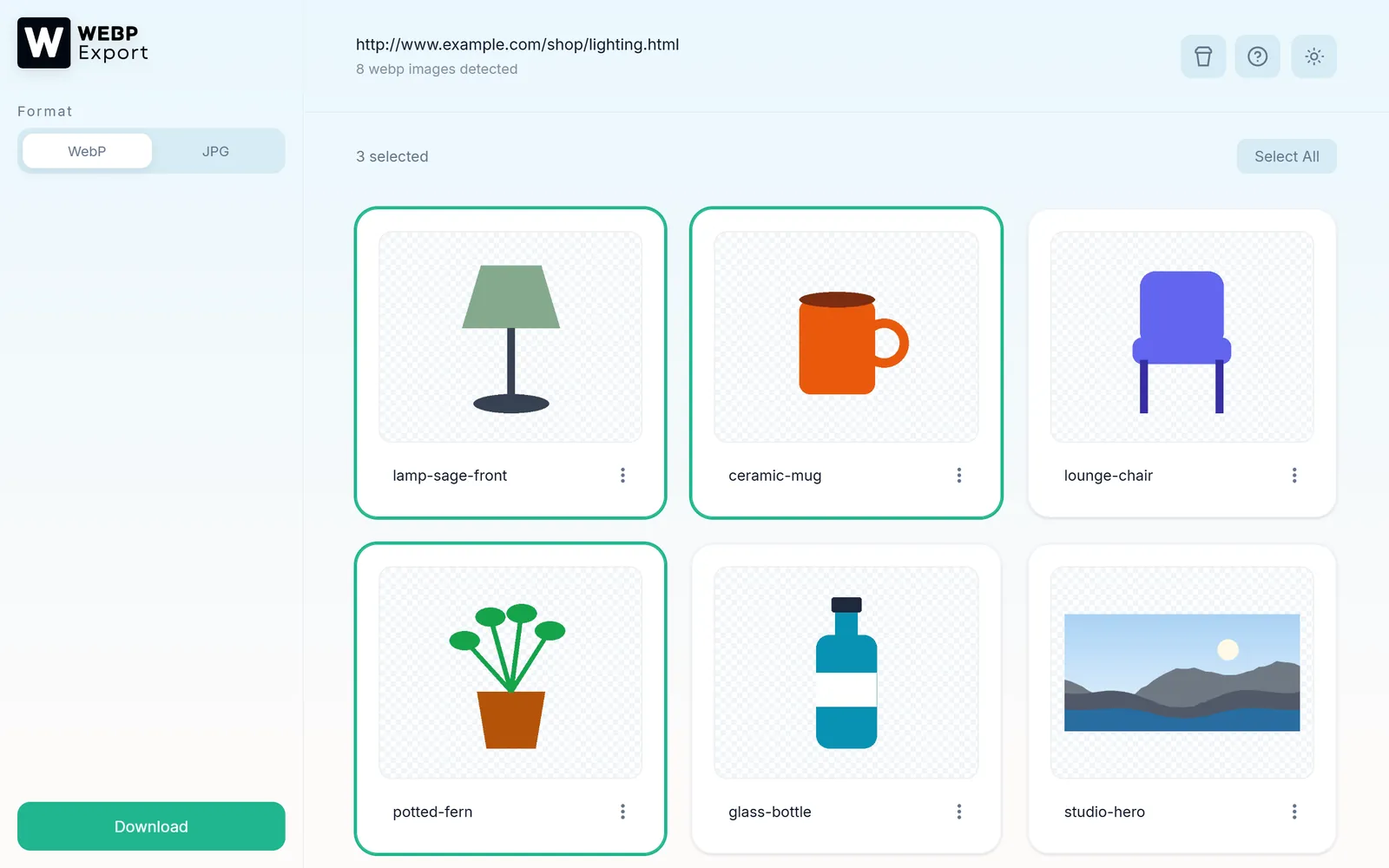
WebP Export scans the active webpage for WebP images in markup, responsive srcset, and CSS backgrounds, then opens a dashboard where you can preview, select, rename, and resize assets before downloading. Export natively as WebP or convert to JPG; batch selections into a ZIP archive. All processing runs locally in your browser.
TIP
WebP Export finds images the page links as .webp files. For pages that use other formats, try AVIF Export, JPG Export or PNG Export.
Getting started
- Install WebP Export from the Chrome Web Store and pin it for quick access.
- Open a page that serves WebP images in its source or stylesheets.
- Click the toolbar icon to scan the tab. A dashboard tab opens with detected images.
- Select images, adjust settings if needed, then download individually or as a ZIP.
INFO
Restricted pages such as chrome:// URLs and the Chrome Web Store cannot be scanned.
Scanning & preview
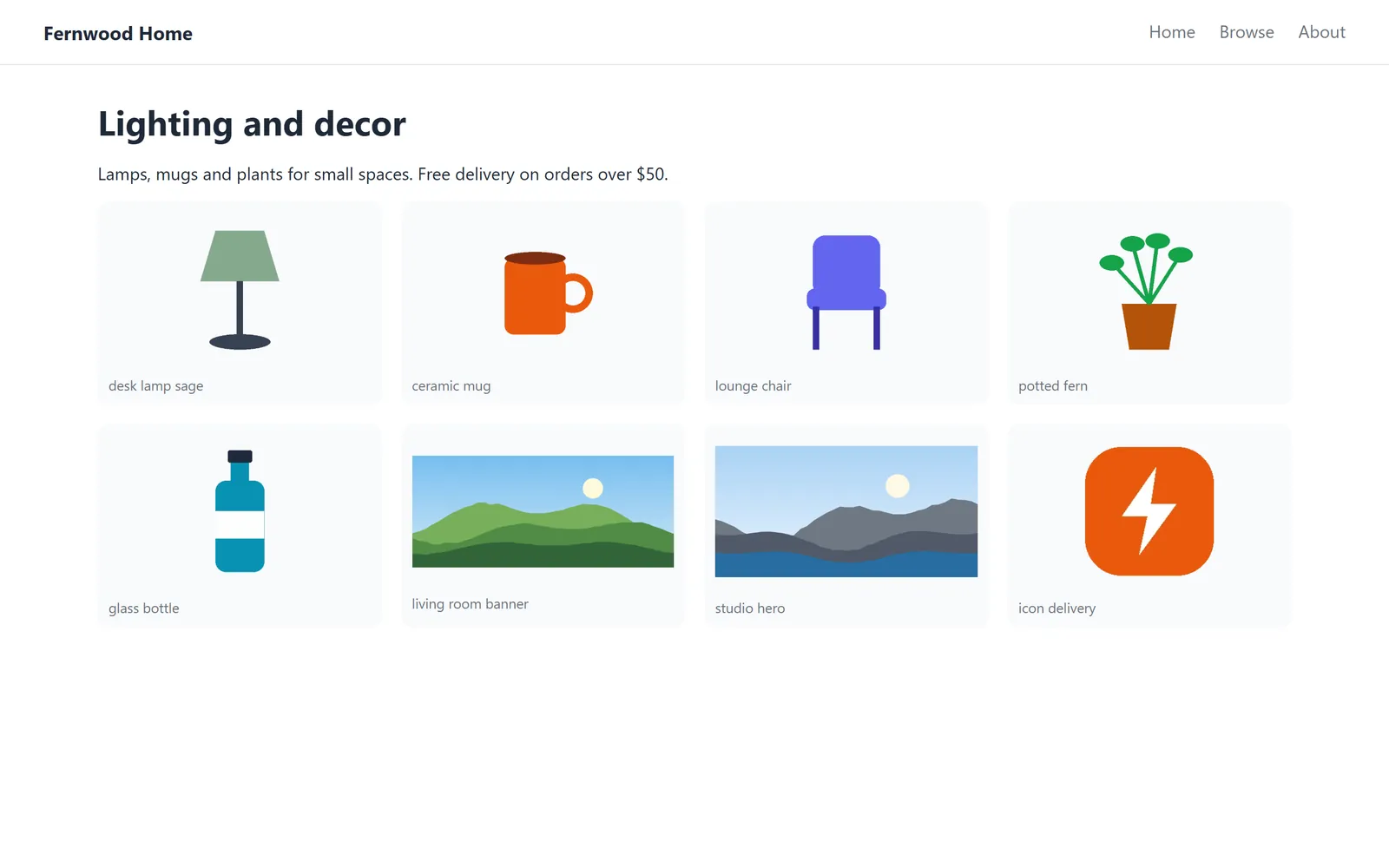
The extension inspects <img> and <source> tags, srcset attributes, and computed background-image values for WebP URLs. Lazy-loaded and responsive sources are included when present in the DOM at scan time.
Each result appears as a card with a checkerboard preview (useful for transparency). Use Select All to toggle the full set, then open per-image settings for fine control.
Export options
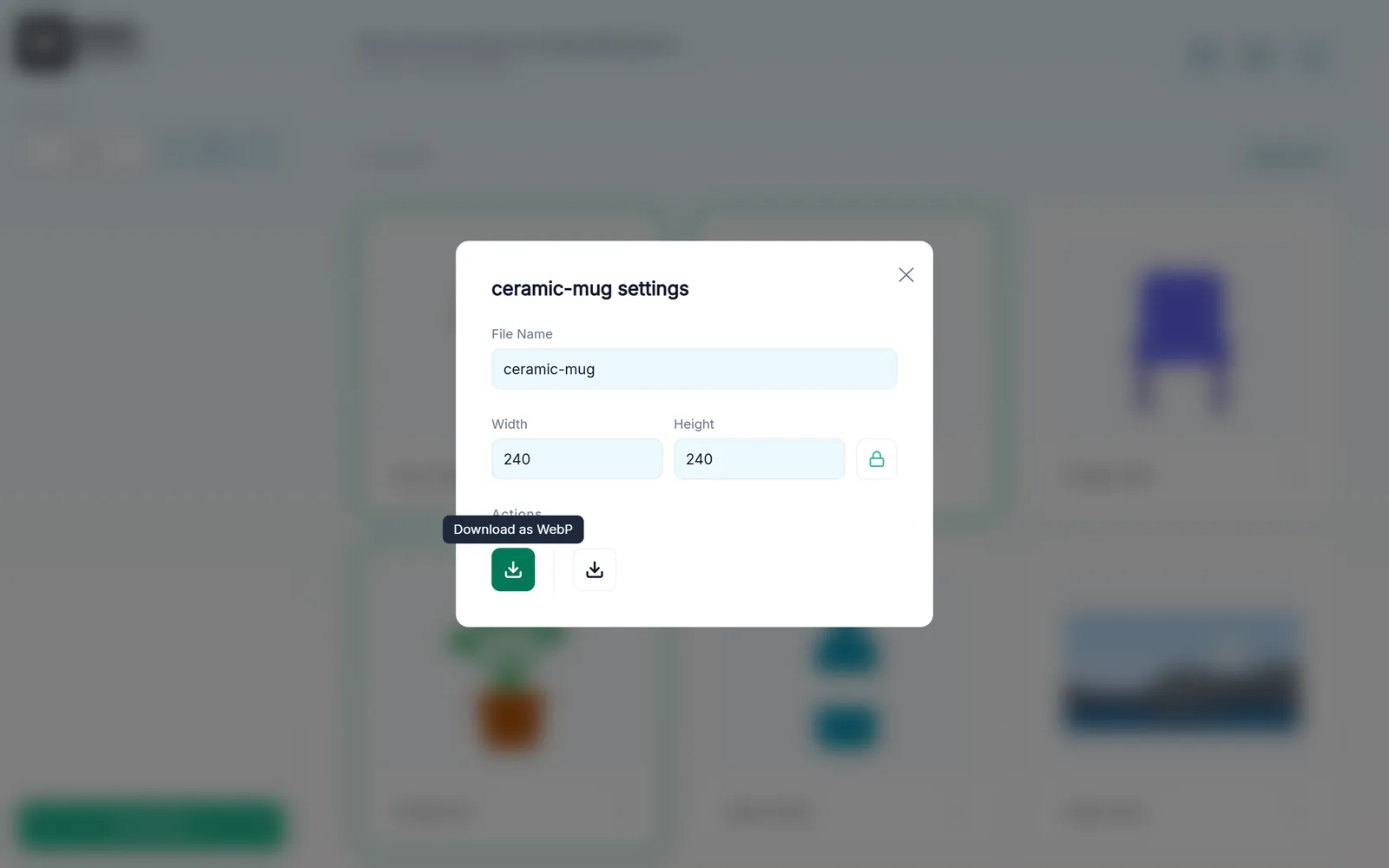
Choose WebP or JPG as the default batch format from the sidebar. Per-image settings let you rename files, resize with aspect ratio locked, and download a single asset in either format.
Prefer WebP for smallest size; choose JPG for wider compatibility in older tools.
WARNING
Respect copyright and site terms when downloading images. Use exported assets only where you have permission.
Features
- Deep page scan: Finds WebP in img/source tags, srcset, and CSS backgrounds.
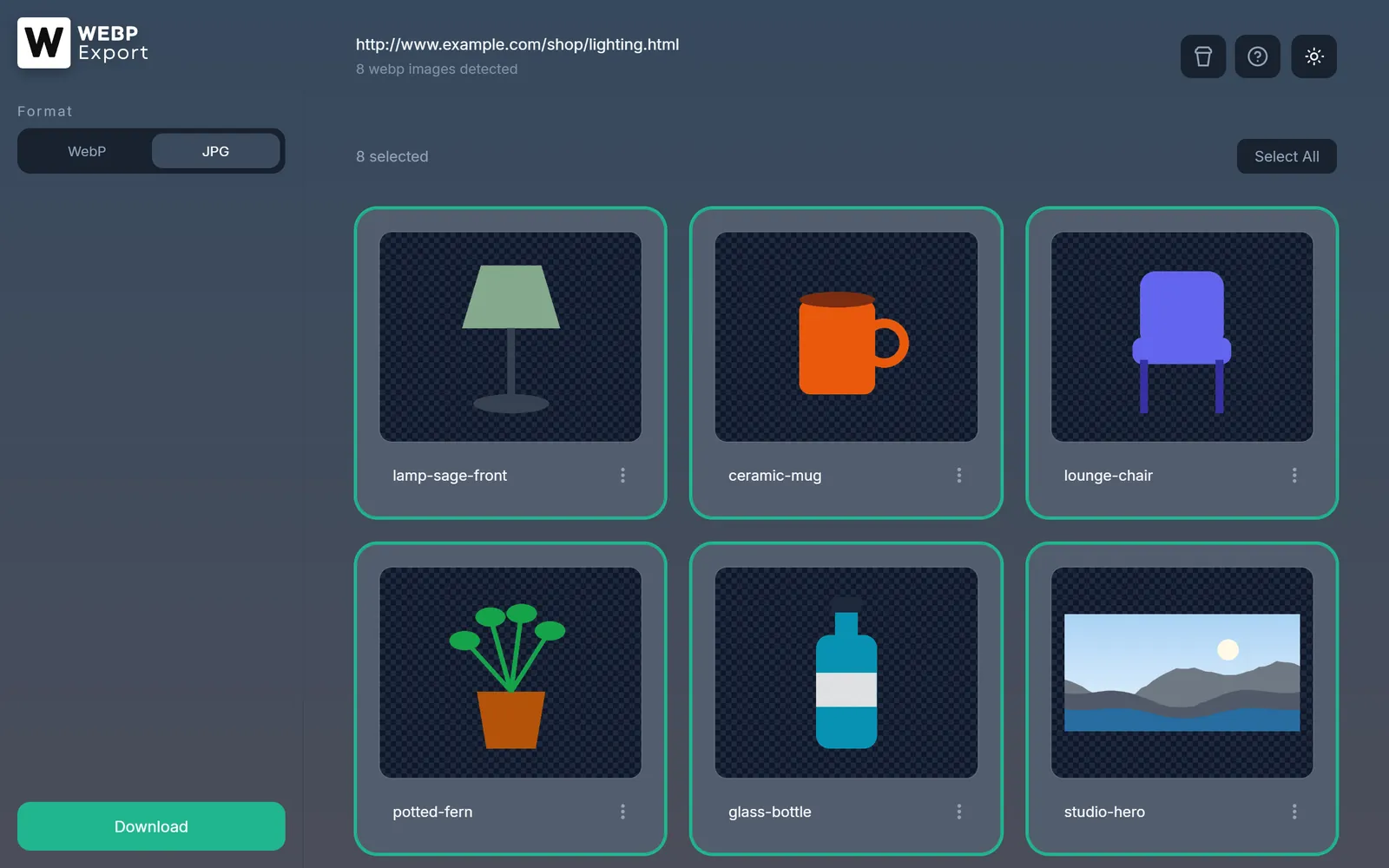
- Visual dashboard: Review detected images in a selectable grid with dark/light theme.
- Resize & rename: Adjust dimensions with locked aspect ratio before exporting.
- Batch ZIP: Download many images in one dated archive.
- WebP or JPG: Switch batch output between native WebP and JPG conversion.
- Local processing: Fetching and canvas encoding stay in your browser; nothing is uploaded.
Privacy
WebP Export reads image URLs from the page you scan and fetches them through the extension background worker for local processing. The list of scanned image addresses and your theme choice are kept briefly on your computer to hand the results to the dashboard tab. Quintaphon does not receive your browsing data or downloaded files.
See the Apps & Extensions Policy and Privacy Policy for company-wide details.
Troubleshooting
Scans find images whose file address ends in .webp (or that a page serves as WebP). A page that shows a picture in WebP format but links it under another name, or builds it in a script after the page loads, may not show up. Scroll the page once before scanning so lazy images load.
No images appear after scanning
The page may use JPEG, PNG or AVIF images instead of WebP. Try AVIF Export, BMP Export, GIF Export, JPG Export, PNG Export, SVG Downloader. Also scroll the page once before scanning so lazy images load.
Download shows Error
The image server refused the request, for example because the image needs a login or the link expired. Refresh the page and scan again.
An app will not open my WebP file
Some older programs cannot read WebP. Download the image as JPG instead; it opens everywhere.
Still stuck? Open a support ticket with the page address and what you expected to happen.